Gaming Keyboard In Lahore: Lessons From Buying The Wrong One Four Times
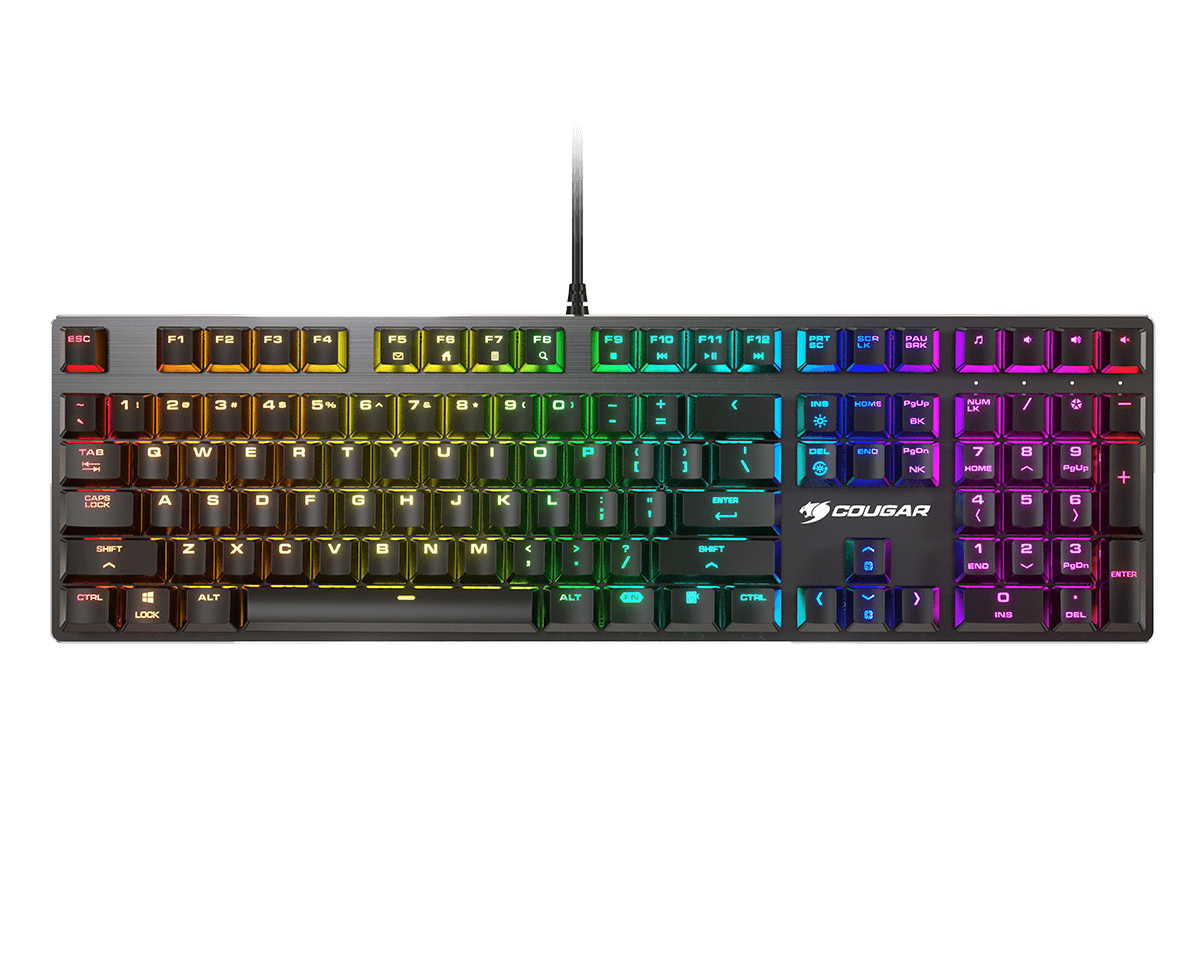
Bought my first gaming keyboard purely off looks, RGB everywhere, sleek black case, it looked exactly like something out of an esports tournament. It lasted maybe four months before two keys started double registering randomly in the middle of a match. I bought a second one, thinking I just got unlucky with the first one. Same story, different keyboard, different problem this time, the keys felt mushy after a couple weeks of daily use. By the time I reached keyboard number five, I’d finally figured out what actually matters, and none of it had anything to do with how flashy the thing looked in a product photo. That’s basically the whole reason anyone searching for a Gaming Keyboard In Lahore ends up frustrated scrolling through option after option that all look identical.
What I Wish Someone Had Told Me About Switches First
Nobody explained switch types to me when I bought that first keyboard, and honestly it’s the single biggest thing separating a board that lasts for years from one that starts failing within months. Membrane keyboards use one sheet under the whole layout, they’re cheap, quiet, and completely fine for casual typing, but they wear down fast under the kind of repeated, rapid presses that gaming actually demands. Mechanical switches sit under each individual key, built specifically to handle millions of presses without degrading, which is exactly why serious gamers stick with mechanical switches even though they cost more upfront.
This is honestly the first thing that explains most of the confusing Gaming Keyboard Price gaps you’ll run into while shopping. Two boards that look nearly identical, similar size, similar RGB lighting, can sit thousands apart in price purely because one is mechanical and the other isn’t.
The Keycap Problem Nobody Warns You About
My second keyboard had a problem where the W, A, S, and D keys went shiny within about six weeks, actual visible wear you could see under any light. It turned out that was ABS plastic, cheap to manufacture and common on budget boards, but it develops that greasy shine fast under heavy daily use. PBT plastic costs more but stays matte basically forever, and it doesn’t develop that worn look no matter how many hours you put in.
Checking Gaming Keyboard Price In Pakistan listings side by side, this detail rarely gets mentioned in the actual product title, so you usually have to dig into the specs or ask directly. It’s worth asking about, since it’s the kind of thing that only becomes obvious a couple months in, right when it’s too late to return anything.
Build Quality: What To Check For A Gaming Keyboard In Lahore
Keyboard number three had noticeable flex in the middle of the case, pressing down let you feel the whole thing bend slightly. I didn’t think much of it at first, but that flex meant the internal frame wasn’t reinforced properly, and within a few months certain keys started feeling loose and wobbly, especially the ones I used constantly.
If you’re shopping in person, actually press down near the center of any board you’re considering for a Gaming Keyboard In Lahore purchase. A rigid, solid feel usually means there’s a metal or reinforced plate inside, which adds cost but also means the board survives years instead of months. This single test would have saved me an entire keyboard purchase if I had known to do it.
Why Weight Actually Matters More Than I Expected
I didn’t think weight mattered until I actually used a properly lightweight board for the first time. Heavier keyboards feel more premium sitting on a desk, sure, but during actual gameplay, especially anything requiring quick movements or flick style inputs, a lighter build genuinely reduces hand fatigue over long sessions. Some gaming boards use honeycomb style internal structures specifically to cut weight without sacrificing rigidity, which is worth checking for if you’re gaming for multiple hours at a stretch regularly.
Comparing Local Prices Actually Saves Real Money
By the time I was buying keyboard number five, I finally started comparing Gaming Keyboard Price listings across a handful of different local sellers before committing to anything. The same exact model, with the same specs, sat at noticeably different prices depending on where I checked. Five or ten minutes of comparison shopping easily saved me more than I had spent getting that habit wrong the first four times.
International pricing doesn’t translate directly either, something I learned the hard way trying to compare a US listing against what was actually available locally. Import costs, currency conversion, and distributor markup all stack on top before a board actually reaches a local shelf, so checking real local listings matters far more than eyeballing an overseas price and assuming it will match.
RGB Lighting, Worth It Or Not
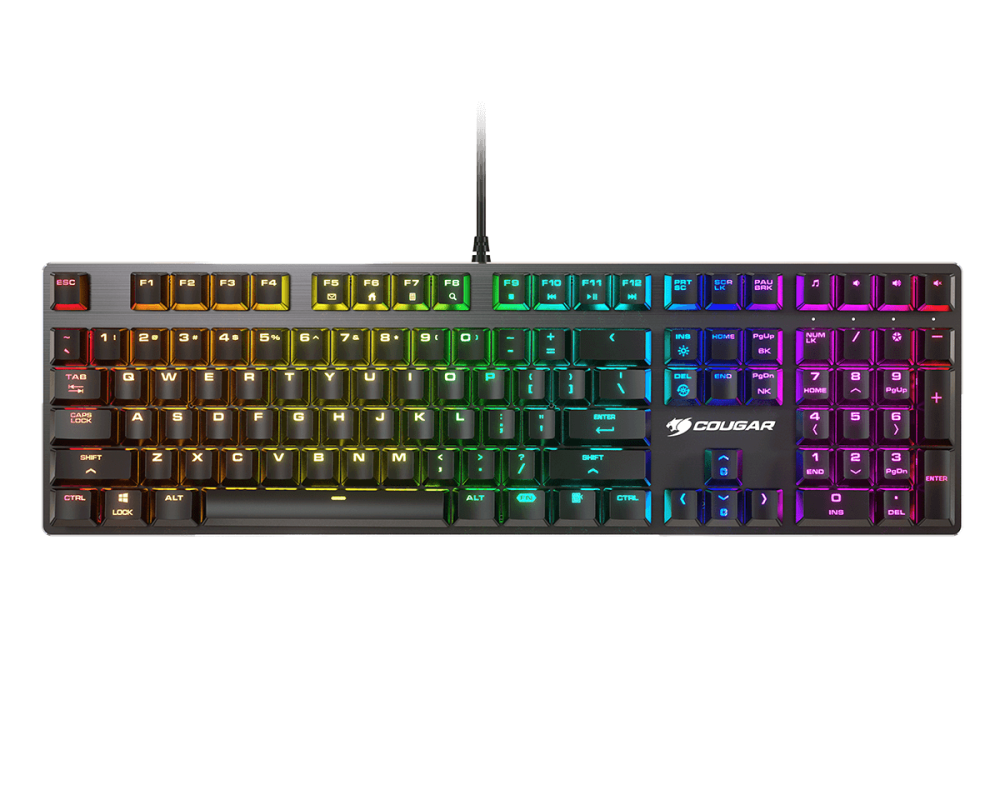
Honestly, I went back and forth on this one a lot. Basic zone lighting, a handful of colors cycling across broad sections, looks decent and costs far less. Full per key RGB, where every single key gets its own programmable color, costs more but actually serves a purpose if you’re coding specific keys by color for cooldowns or abilities in whatever you’re playing. If lighting is purely decorative for your setup, zone lighting does the job fine without paying extra for capability you will genuinely never use.
Wired Versus Wireless, What Actually Changed For Me
I went wireless keyboard four thinking the convenience was worth it, and honestly, for casual play it mostly was. But during anything genuinely competitive, ranked matches, tight timing situations, there is still a small but real chance of input lag or connection drops that wired boards simply do not have to worry about. I ended up keeping a wired board specifically for serious sessions and a wireless one for casual desk use, which turned out to be the right call for how I actually game across different situations.
What I Would Actually Tell Someone Shopping Now
Skip judging a board purely on how it looks in a listing photo, that is the mistake that cost me four failed purchases before I finally figured things out. Check the switch type first, mechanical if you are gaming seriously. Ask about the keycap material if it is not listed clearly. Test the build in person if you can, and press down on the case. Compare Gaming Keyboard In Lahore listings across a few sellers instead of buying from whichever shop happens to be closest. None of this takes much extra time, and it genuinely saves you from repeating the exact mistakes that took me five keyboards and about a year to actually learn.