Walk into any market in Lahore, Karachi or Islamabad and you’ll notice something: almost every shop, school, clinic and home office has a printer humming away in the corner. Whether it’s a student printing assignments, an accountant sending out invoices, or a small business owner printing labels, a reliable printer has quietly become part of everyday life in Pakistan.
But with so many brands, types and price tags out there, choosing the right one can feel confusing. This guide walks you through what actually matters, so you spend your money once and spend it well.
Why a Printer Still Matters in a Digital World
We all love saying “everything is online now,” yet paperwork hasn’t gone anywhere. Government forms, bank documents, tax papers, exam slips, delivery receipts and contracts still need a printed copy more often than we’d like. Having your own printer saves you the daily trip to the photocopy shop, the waiting in line, and the worry about your files sitting on someone else’s computer.
For small businesses, it’s even more important. A printer in the office means faster work, better privacy and lower costs in the long run.
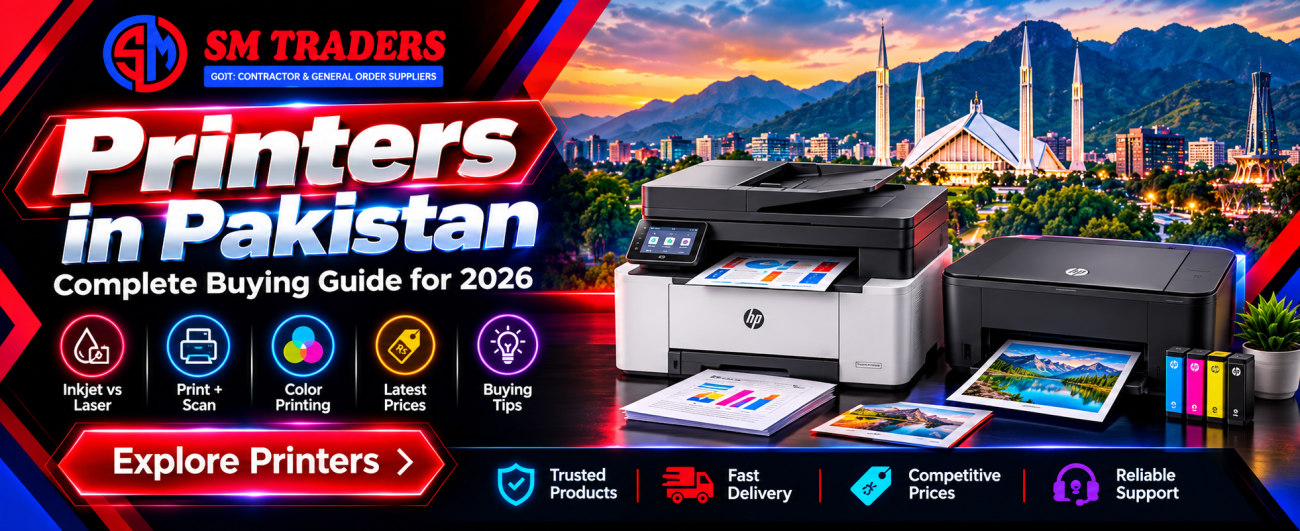
Inkjet vs Laser: Which One Should You Pick?
This is the first decision, and it shapes everything else.
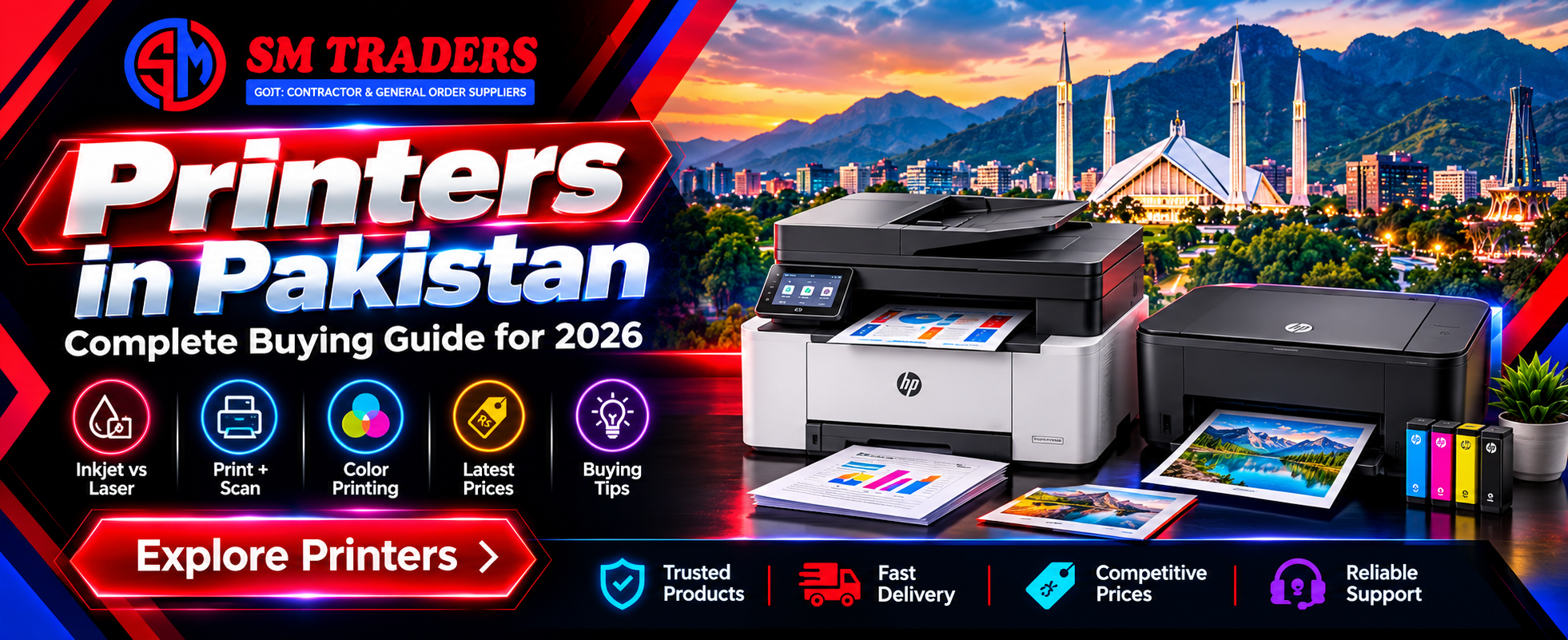
Inkjet printers are budget-friendly upfront and great for photos, school projects and occasional printing. The catch? If you don’t print regularly, the ink can dry out, and refills add up over time.
Laser printers use toner instead of liquid ink. They print faster, produce sharper text and handle heavy daily workloads without fuss. They cost a bit more at the start, but each page usually costs less to print. That’s why most offices, shops and schools prefer them.
If you print more than a few pages a day, laser is almost always the smarter long-term choice.
Understanding HP Printer Price in Pakistan
HP is probably the most trusted printer name in the country. From the humble home models to heavy-duty office machines, there’s an HP printer for nearly every need, and spare parts and toner are easy to find in almost every city.
When you look at HP Printer Price in Pakistan, you’ll notice a wide range. Basic inkjet models sit at the lower end, while multifunction laser machines with scanning, copying and wireless printing cost more. Several things influence the final number:
- Model and series: Entry-level, mid-range or professional
- Functions: Print-only, or print + scan + copy (all-in-one)
- Connectivity: USB only, or Wi-Fi and mobile printing
- Duplex printing: Automatic two-sided printing adds value
- Currency rates and import costs: These shift the market price from time to time
Because the market moves, always check the current rate before you decide. A price you saw three months ago may not be accurate today.
Laser Printer Price in Pakistan: What Are You Paying For?
Many buyers see Laser Printer Price in Pakistan and think, “Why so much more than inkjet?” The answer is in the running cost. A monochrome laser printer might cost more at the counter, but a single toner cartridge can print thousands of pages. Do the maths over one year and the laser often wins easily.
Here’s what to compare before buying:
- Print speed: Measured in pages per minute (PPM). Offices usually want 20+ PPM.
- Monthly duty cycle: How many pages the machine can handle each month without strain.
- Toner yield: How many pages one cartridge delivers.
- Toner availability: Check that original and compatible toner is easy to get locally.
- Warranty: Look for local, valid warranty rather than a vague promise.
A slightly pricier printer with cheap, available toner is usually a better deal than a cheap printer with expensive cartridges.
Color Laser Printer Price in Pakistan: Is It Worth It?
If your work involves brochures, menus, presentations, marketing material or certificates, black-and-white just won’t cut it. That’s where color laser enters the picture.
The Color Laser Printer Price in Pakistan is higher than monochrome models, and that’s natural: these machines use four toner cartridges (cyan, magenta, yellow and black) and more advanced components. But for businesses that print in color regularly, they offer sharp graphics, vivid output and quick speeds that inkjets struggle to match.
A color laser makes sense for:
- Design studios and print-on-demand businesses
- Schools and academies printing worksheets and certificates
- Real estate offices producing brochures
- Restaurants printing menus and promotional flyers
- Corporate teams preparing client presentations
If you only print color once in a while, though, it may be cheaper to stick with a black-and-white laser and outsource the occasional color job.
Buy Printers Online in Pakistan: Smart Shopping Tips
Online shopping has made life much easier. Instead of running from shop to shop, you can compare models, read specifications and order from home. If you plan to Buy Printers Online in Pakistan, keep these tips in mind:
1. Buy from a trusted seller. Choose a store with a proper website, clear contact details and genuine customer reviews. A very low price from an unknown seller is a red flag.
2. Check the warranty. Ask whether the warranty is from the brand, the distributor or the seller, and how claims are handled.
3. Confirm it’s brand new and sealed. Original packaging, serial number and invoice should all match.
4. Read the specs carefully. Don’t just look at the picture. Check the print type, speed, connectivity and whether toner is included in the box. Starter toner is often a smaller capacity than a full one.
5. Compare delivery and return policies. Printers are delicate machines. Make sure the seller packs them well and offers a return or replacement if the item arrives damaged.
6. Look at cash on delivery options. Many buyers prefer paying once they’ve inspected the parcel, so it’s worth checking if this is available in your city.
Buying online isn’t just about convenience. Done carefully, it also helps you find better deals and a wider range of models than you’d see in a single local shop.
Which Printer Suits Your Needs?
Let’s make it simple.
For students and home use: A compact inkjet or small monochrome laser is enough. Look for Wi-Fi if you want to print from your phone.
For freelancers and home offices: An all-in-one monochrome laser gives you printing, scanning and copying in one device without taking much space.
For small and medium businesses: A fast, duplex-capable laser printer with high-yield toner keeps costs under control and work moving.
For creative and marketing teams: A color laser printer is the way to go, since your output represents your brand.
Maintenance Tips to Make Your Printer Last
A printer is an investment, so treat it kindly:
- Keep it in a clean, dust-free spot, especially in dry, dusty weather.
- Use good-quality paper to avoid jams and roller damage.
- Print something at least once a week if you own an inkjet.
- Replace toner or ink with trusted products. Very cheap refills can damage the machine.
- Turn it off properly instead of pulling the plug.
- Update drivers when new versions are available.
These small habits can add years to your printer’s life and save you from repair bills.
Final Thoughts
Choosing a printer isn’t really about finding the cheapest option. It’s about finding the one that fits how you work. Think about how many pages you print, whether you need color, how much you’re willing to spend on toner, and how important speed and warranty are to you.
Keep an eye on HP Printer Price in Pakistan, compare the Laser Printer Price in Pakistan against your monthly printing needs, and consider the Color Laser Printer Price in Pakistan if color is part of your daily work. When you’re ready, Buy Printers Online in Pakistan from a reliable seller who offers genuine products, a proper warranty and good after-sales support.
Make the right choice today, and your printer will quietly do its job for years to come.