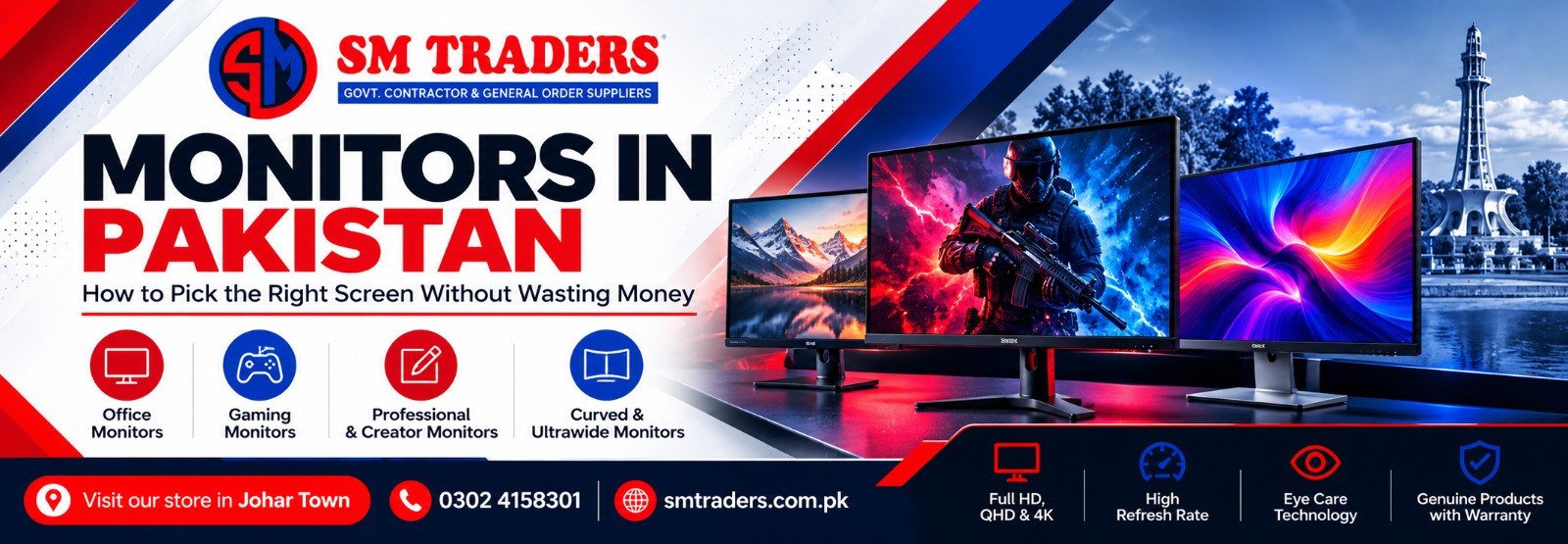
Let’s be honest. Most of us put a lot of thought into the processor, the RAM and the graphics card, and then plug everything into whatever screen happens to be lying around. I have seen people with a brand new gaming PC squinting at a ten-year-old monitor that washes out every colour. It makes no sense, but it happens all the time.
At SM Traders, customers ask us the same question every week: “Which monitor should I buy?” The honest answer is that it depends on what you do all day. So here is a plain guide to help you decide, with real price ranges and a few mistakes we see people make again and again.
Start With How You Will Use It
Before you look at a single model, ask yourself one thing. Is this screen for work, for studying, for editing, or for games? A student writing assignments needs something very different from a video editor or a competitive Valorant player.
If you are just browsing, typing and attending online classes, a basic Full HD screen is more than enough. Spending extra on 4K for that is like buying a sports car for the school run.
Best Monitors in Pakistan: What Actually Matters
When people search for the best monitors in Pakistan, they usually expect one single model name. There isn’t one, because “best” changes with your budget and your habits. What you can do is learn five things that separate a good screen from a disappointing one.
Size. For a normal desk, 24 inches is comfortable. A 27-inch screen gives you more room to spread out, and many people find it the sweet spot. Go bigger than that only if your desk is deep enough, otherwise you will end up moving your head like you’re watching tennis.
Resolution. Full HD (1920×1080) is the everyday standard. QHD (2560×1440) looks clearly sharper, especially at 27 inches. 4K is gorgeous, but it needs a capable PC and it costs a lot more.
Panel type. IPS panels give better colours and wide viewing angles, so they suit work and design. VA panels have deeper blacks, which is nice for movies. TN panels are cheap and quick, but colours look a bit flat.
Refresh rate. A normal screen refreshes 60 times a second (60Hz). Gaming screens go to 144Hz, 165Hz or higher. Once you have used a high refresh rate, going back feels strange, almost sluggish.
Ports. This one gets forgotten. Check that the monitor has HDMI or DisplayPort, and USB-C if you use a laptop. Nothing is more annoying than unboxing a new screen and finding out your cable doesn’t fit.
One more thing worth looking for is flicker-free and low blue light modes. If you sit eight hours a day, your eyes will thank you.
Computer Monitor Price in Pakistan
Now the part everyone wants. The computer monitor price in Pakistan moves around quite a bit. The dollar rate, import costs and stock levels all play a role, so treat the numbers below as a rough guide, not a fixed price list.
- Basic office monitors (19 to 22 inch, Full HD, 60Hz): around Rs. 18,000 to 28,000
- Mid-range monitors (24 to 27 inch, IPS, 75Hz): around Rs. 30,000 to 55,000
- Professional and creator screens (27 inch, QHD or 4K): around Rs. 60,000 to 150,000 and above
- Curved and ultrawide monitors: around Rs. 60,000 to 130,000 and above
A small piece of advice from experience. The cheapest screen in the shop is rarely the best deal. Spending a little more for an IPS panel and a proper warranty usually saves you headaches later. But don’t go the other way either. If your work is mostly spreadsheets and emails, you really don’t need a premium creator display.
Gaming Monitor Price in Pakistan
Gaming has exploded here, and monitors have followed. The gaming monitor price in Pakistan depends mostly on three things: refresh rate, resolution and panel quality.
- Budget gaming (24 inch, Full HD, 144Hz): roughly Rs. 40,000 to 60,000
- Mid-range gaming (27 inch, QHD, 165Hz): roughly Rs. 65,000 to 100,000
- High-end gaming (QHD or 4K, 180Hz to 240Hz): roughly Rs. 110,000 to 250,000 and above
- Curved gaming screens: roughly Rs. 70,000 to 180,000 and above
Again, these are ballpark figures. Always check the current rate before you pay.
Here is the thing most people miss. A 240Hz monitor does nothing for you if your graphics card can only push 70 frames per second. You are paying for speed your PC can’t deliver. Match the screen to your hardware. For most gamers, a 144Hz or 165Hz monitor with FreeSync or G-Sync support is the smart choice. It removes screen tearing and makes games feel smooth without emptying your wallet.
Response time matters too, particularly in fast shooters, where a slow panel leaves a blurry trail behind moving objects. Look for 1ms to 5ms.
Which One Should You Buy?
Here is a quick, practical way to think about it.
If you are a student, get a 22 or 24 inch Full HD IPS. It’s cheap, clear and easy on the eyes.
If you work in an office or from home, a 24 to 27 inch IPS with eye-care features is a good daily companion.
If you edit videos or design, go for a QHD or 4K IPS screen with good colour accuracy. What you see should match what your clients see.
If you play games, pick 144Hz or higher and make sure your GPU can keep up.
If you juggle many windows, an ultrawide screen can replace two monitors and cut out the cable mess.
Mistakes We See All the Time
Buying on size alone is the biggest one. A large screen with low resolution looks soft and pixelated, and that bothers people more than they expect.
The second is ignoring the warranty. Some sellers offer an attractive price on a monitor with no real after-sales support, and when a line or dead pixel shows up a month later, you are on your own. Always buy from a seller who will stand behind the product.
The third is not measuring the desk. It sounds silly, but we have had customers order a 32 inch screen and then realise it barely fits.
And finally, test the screen when you receive it. Check for dead pixels, backlight bleed and loose stands before you leave the shop or sign for the delivery.
Why SM Traders?
We keep things simple. We stock monitors for every budget, from basic office screens to proper gaming displays, and we only sell genuine products with warranty. If you are confused between two models, just ask. We would rather help you choose the right one than sell you something you don’t need.
Final Word
Picking a monitor doesn’t have to be stressful. Decide what you will use it for, set a budget you are comfortable with, and focus on the few specs that actually matter. If you are still comparing the best monitors in Pakistan, checking the computer monitor price in Pakistan, or watching the gaming monitor price in Pakistan before you commit, we hope this guide has made the decision a bit easier.
When you are ready, visit SM Traders and have a look at our latest monitor collection. Your eyes will notice the difference from day one.